Overview
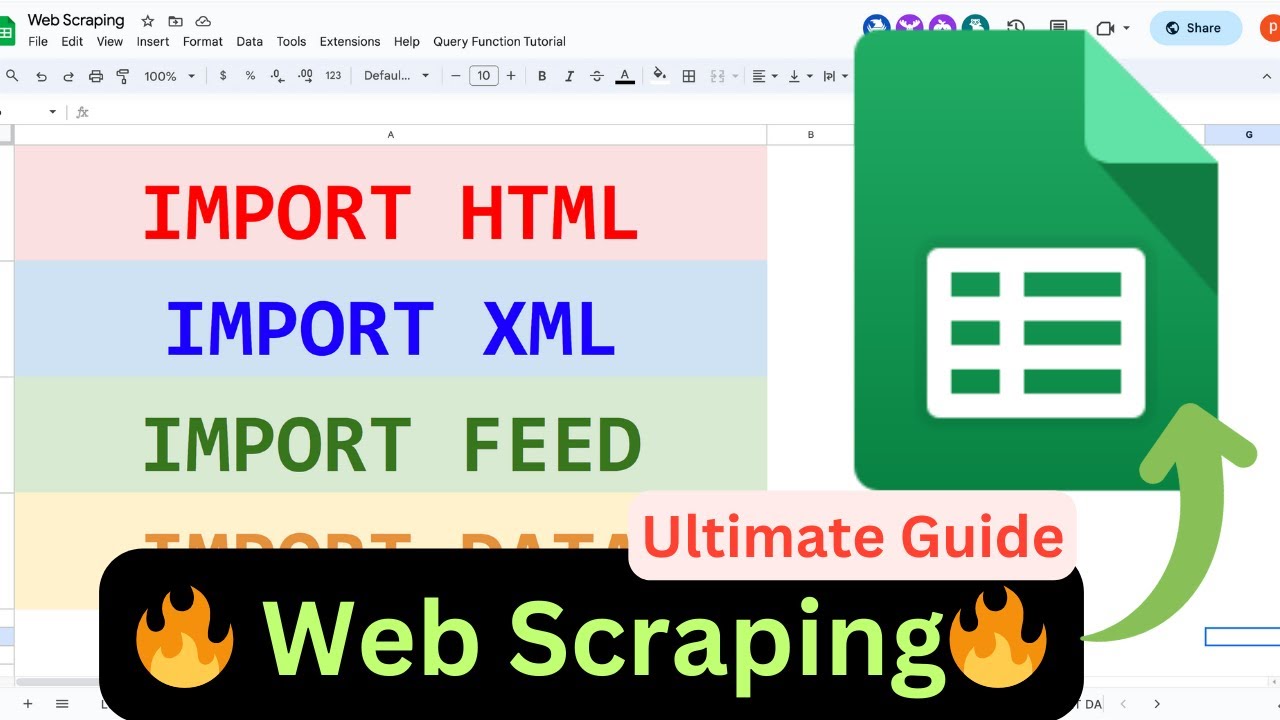
🚀 Hey everyone! Dive into the world of web scraping with me in this YouTube video! 🕸️ #googlesheets #webscraping #datascraping
📊 First up, I'll show you the magic of Import HTML. Watch as I scrape tables from a Google doc site effortlessly using this handy function. 🧙♂️ Learn how to organize data in your Spreadsheet like a pro!
❌ But wait, what if the site doesn't have a neat table or list? No worries, we've got Import XML to the rescue! 🕵️♂️ Follow along as I unravel the X-path mysteries and grab structured data from a blog.
💡 Pro tip: Copying X-path not your style? No problem! Understand the structure, inspect, and amend the formula on the fly. 🛠️
Key Features
- Instant Copy: Copy the entire spreadsheet and script directly into your Google Drive in one click.
- Zero Cost: Completely free to use with any personal or workspace Google account.
- Customizable: Full access to modify sheet columns, layout, and Apps Script logic.
- Video Tutorial Included: Watch the step-by-step setup video right on this page.
How to Use
- Click Download Free Access above and enter your email address.
- Open the copy link delivered to your screen and inbox.
- Click Make a Copy in Google Drive.
- Follow the setup tutorial video above to configure any triggers or permissions.