Overview
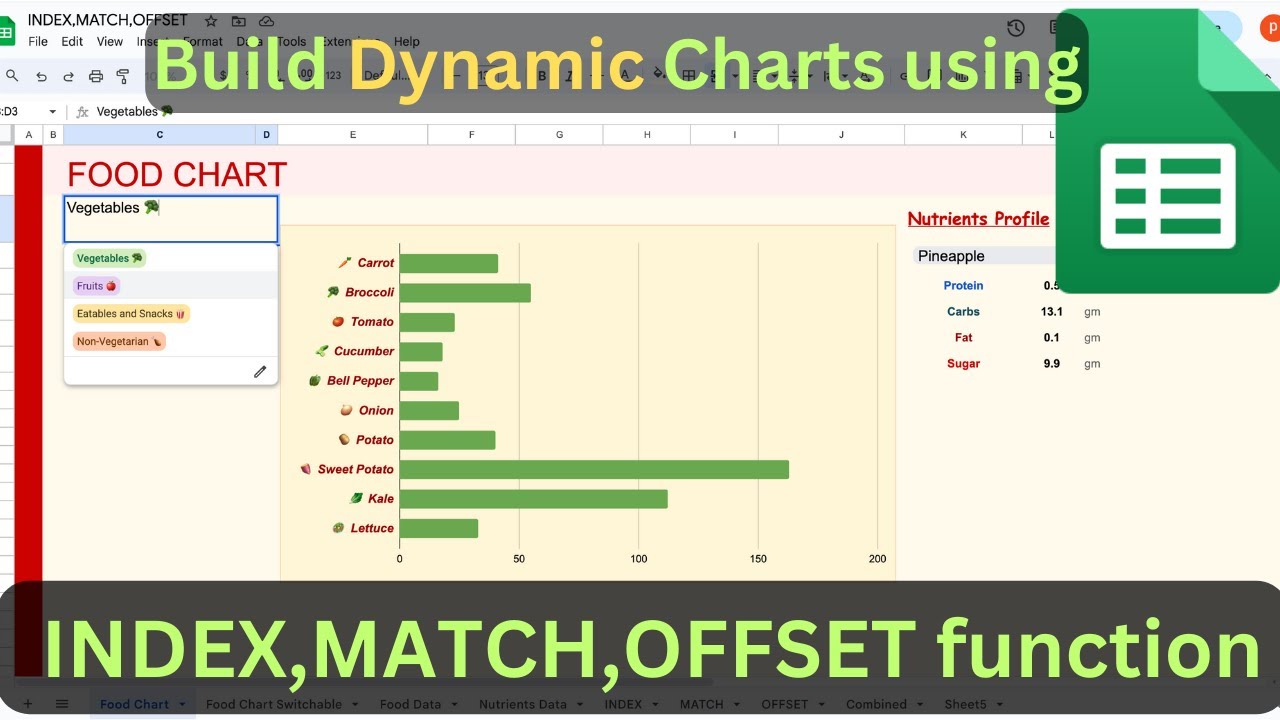
🎥 Hey folks! In this video, We'll explore the dynamic trio in Google Sheets: Index, Match, and Offset functions. Get ready for nice chart creation and data manipulation! 💡
📊 Imagine switching charts with a click of a button! Learn how Match, Index, and Offset functions team up to make it happen. Change chart categories effortlessly using a dropdown menu🔄
📚 Let's start with the basics! Uncover the secrets of the Index function. Navigate through a student's scoresheet, understand rows, columns, and unleash the potential of the Index function.
🔍 Move on to Match function mastery! Discover how to find the match position of a search key in a one-dimensional range. Learn about exact matching, sorting, and unleash the Match function's full potential. 🔢
Key Features
- Instant Copy: Copy the entire spreadsheet and script directly into your Google Drive in one click.
- Zero Cost: Completely free to use with any personal or workspace Google account.
- Customizable: Full access to modify sheet columns, layout, and Apps Script logic.
- Video Tutorial Included: Watch the step-by-step setup video right on this page.
How to Use
- Click Download Free Access above and enter your email address.
- Open the copy link delivered to your screen and inbox.
- Click Make a Copy in Google Drive.
- Follow the setup tutorial video above to configure any triggers or permissions.