Overview
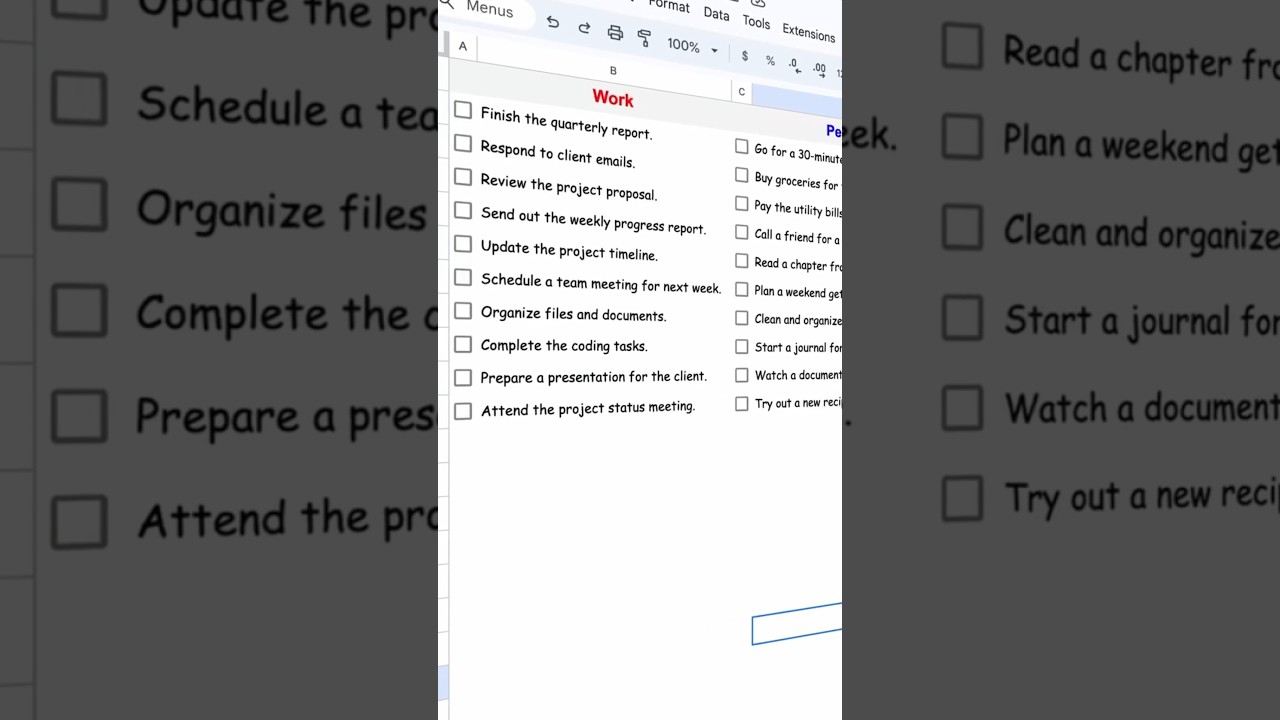
Convert any sheet into a To-Do sheet.
Start typing into even-numbered columns like the 2nd, 4th, and so on, and there you go. Checkbox starts to appear automatically. Mark it as done, and it will strike through it as well.
To do this, download the ready-made copy with the attached scripts from the link provided in the description and start using it.
If you are curious to know the code behind this, then open the script editor by clicking on Extensions and then Apps Script. Here, we are using the onEdit function, which gets called every time you edit any cell.
Key Features
- Instant Copy: Copy the entire spreadsheet and script directly into your Google Drive in one click.
- Zero Cost: Completely free to use with any personal or workspace Google account.
- Customizable: Full access to modify sheet columns, layout, and Apps Script logic.
- Video Tutorial Included: Watch the step-by-step setup video right on this page.
How to Use
- Click Download Free Access above and enter your email address.
- Open the copy link delivered to your screen and inbox.
- Click Make a Copy in Google Drive.
- Follow the setup tutorial video above to configure any triggers or permissions.