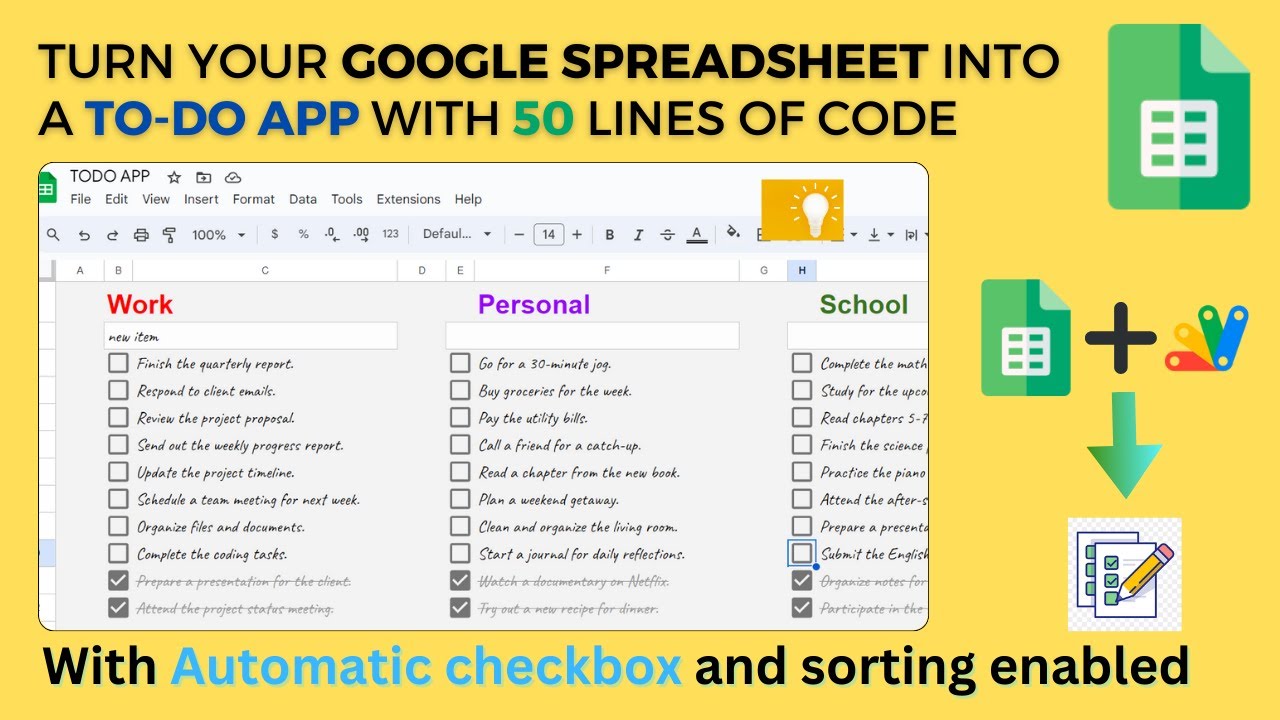
Overview
In this tutorial, learn how to turn your ordinary Google Spreadsheet into a powerful and fully-featured To-Do List App with just 50 lines of code. We will be using awesome checkbox in google sheets. We'll explore how to create categories, add, check, and uncheck tasks, and automatically sort your to-do list. Additionally, you'll gain insights into key concepts like data validation, conditional formatting, and event handling with Google Apps Script.
👍 If you found this tutorial helpful, please consider liking the video and subscribing to our channel for more tech tutorials and tips. Don't forget to hit the notification bell so you never miss an update!
Stay organized and efficient with your very own custom To-Do List App in Google Sheets. Watch now and take control of your tasks!
Key Features
- Instant Copy: Copy the entire spreadsheet and script directly into your Google Drive in one click.
- Zero Cost: Completely free to use with any personal or workspace Google account.
- Customizable: Full access to modify sheet columns, layout, and Apps Script logic.
- Video Tutorial Included: Watch the step-by-step setup video right on this page.
How to Use
- Click Download Free Access above and enter your email address.
- Open the copy link delivered to your screen and inbox.
- Click Make a Copy in Google Drive.
- Follow the setup tutorial video above to configure any triggers or permissions.