Overview
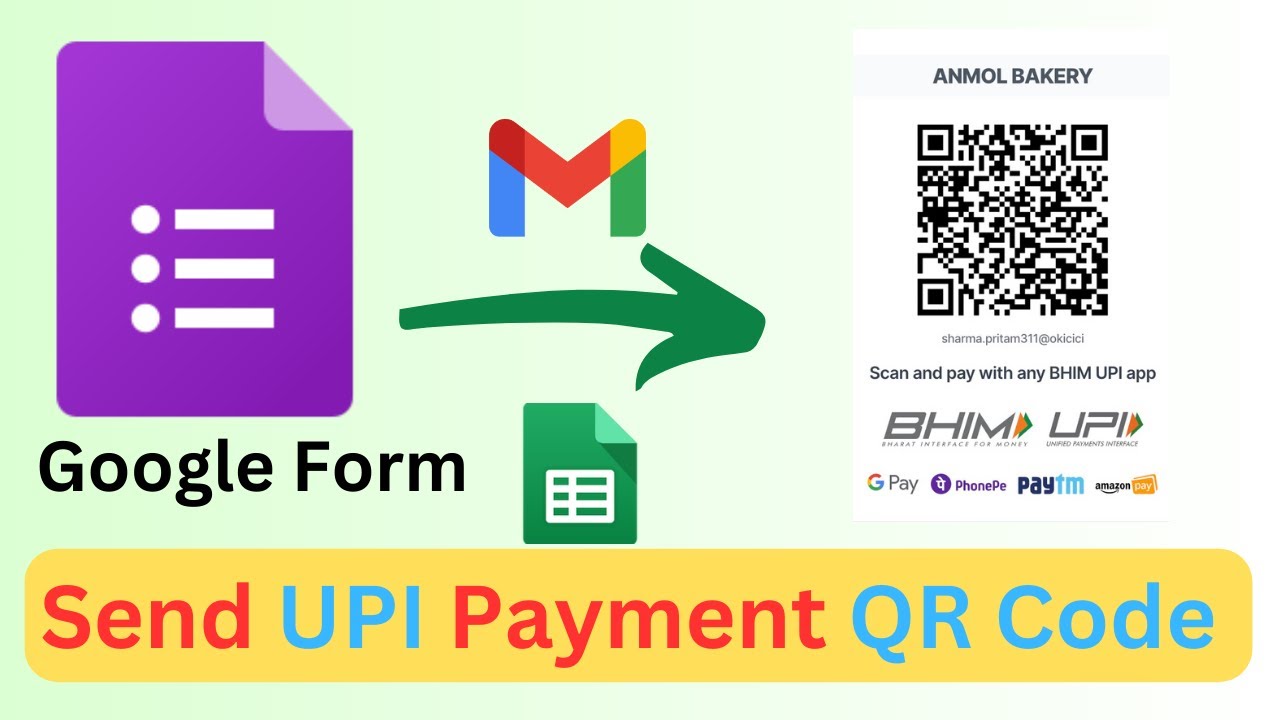
📝 Learn how to create a simple purchase form using Google Forms to send payment requests to your customers, complete with QR codes! 💸📱 #GoogleForms #PaymentForm #QRCode #SendUPIPayment
🎥 Watch now to see how to set up fields for bakery items, generate QR codes, and automate email notifications upon form submission!
Previous Video On QR Code generation: https://youtu.be/BCOI6Rr5AKI
In this tutorial, we cover:
Key Features
- Instant Copy: Copy the entire spreadsheet and script directly into your Google Drive in one click.
- Zero Cost: Completely free to use with any personal or workspace Google account.
- Customizable: Full access to modify sheet columns, layout, and Apps Script logic.
- Video Tutorial Included: Watch the step-by-step setup video right on this page.
How to Use
- Click Download Free Access above and enter your email address.
- Open the copy link delivered to your screen and inbox.
- Click Make a Copy in Google Drive.
- Follow the setup tutorial video above to configure any triggers or permissions.