Overview
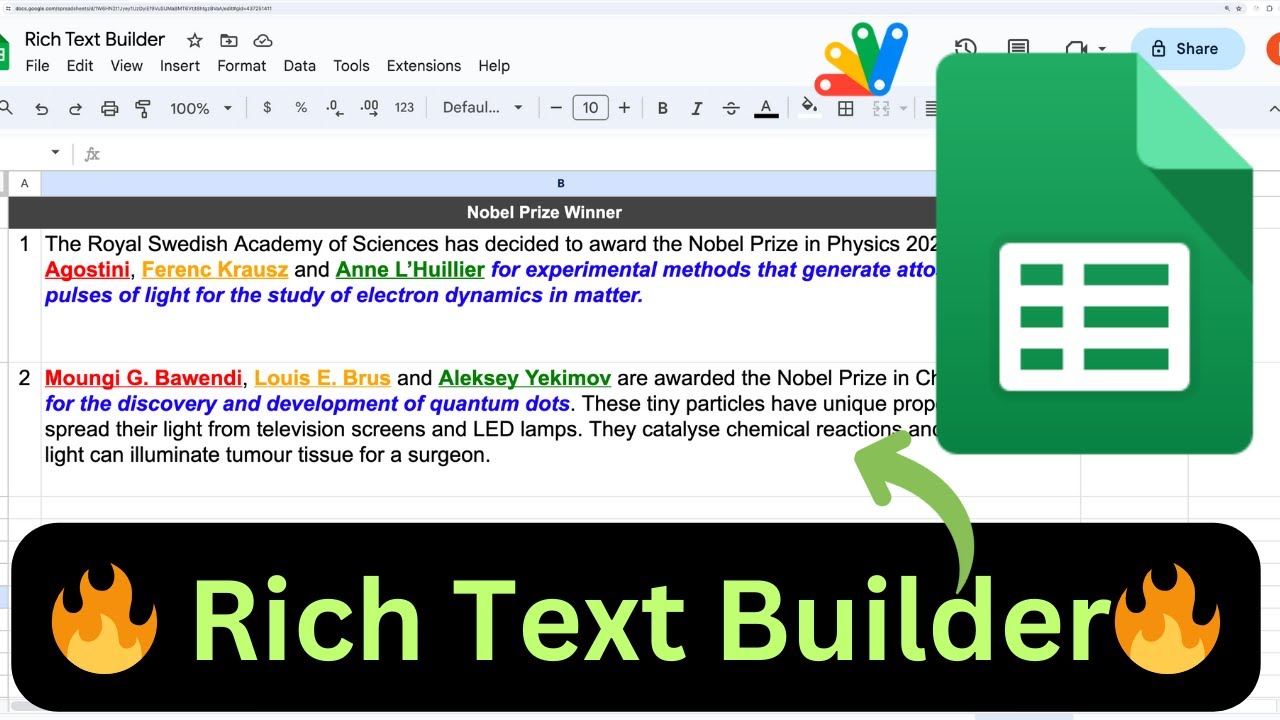
In this video I will show you how you can use Rich Text Builder in google sheets to you advantage.
Rich text builder allows us to use different style for different text and add hyperlinks to individual word or sentences.
I will demonstrate several use cases and then do the code walkthrough.
Refernces: https://developers.google.com/apps-script/reference/spreadsheet/text-style
Key Features
- Instant Copy: Copy the entire spreadsheet and script directly into your Google Drive in one click.
- Zero Cost: Completely free to use with any personal or workspace Google account.
- Customizable: Full access to modify sheet columns, layout, and Apps Script logic.
- Video Tutorial Included: Watch the step-by-step setup video right on this page.
How to Use
- Click Download Free Access above and enter your email address.
- Open the copy link delivered to your screen and inbox.
- Click Make a Copy in Google Drive.
- Follow the setup tutorial video above to configure any triggers or permissions.