Overview
Join our Whatsapp Channel: https://whatsapp.com/channel/0029VanDeVpDTkK5Kxdh0u1N
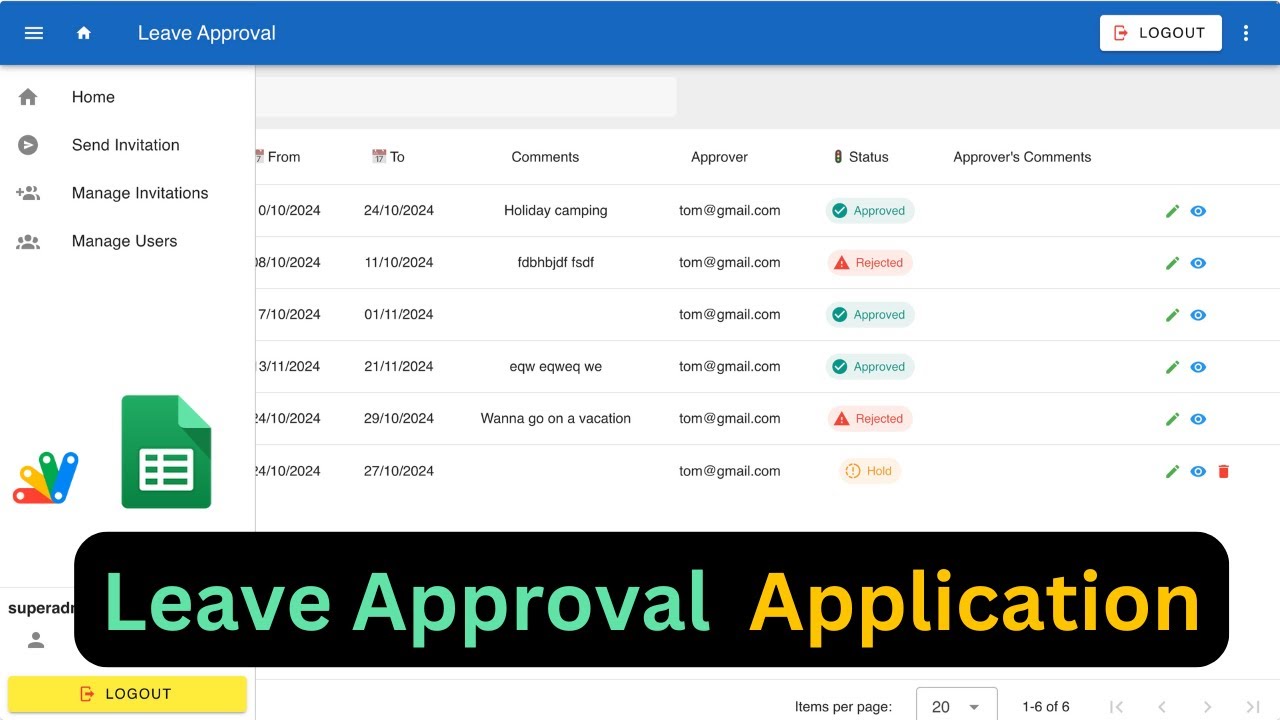
In this video, I'll walk you through building a Leave Approval Application using Google Sheets and Apps Script with authentication workflows. You'll learn how to send invitations, manage users, create requests, and manage approval workflows for both standard users and admins. I'll also dive into the code customization, including role-based behavior, button visibility, and status formatting.
Watch my previous videos on CRUD apps and authentication to get a full understanding of the application.
COMPLETE CRUD WEB APPLICATION USING GOOGLE SHEETS
Key Features
- Instant Copy: Copy the entire spreadsheet and script directly into your Google Drive in one click.
- Zero Cost: Completely free to use with any personal or workspace Google account.
- Customizable: Full access to modify sheet columns, layout, and Apps Script logic.
- Video Tutorial Included: Watch the step-by-step setup video right on this page.
How to Use
- Click Download Free Access above and enter your email address.
- Open the copy link delivered to your screen and inbox.
- Click Make a Copy in Google Drive.
- Follow the setup tutorial video above to configure any triggers or permissions.