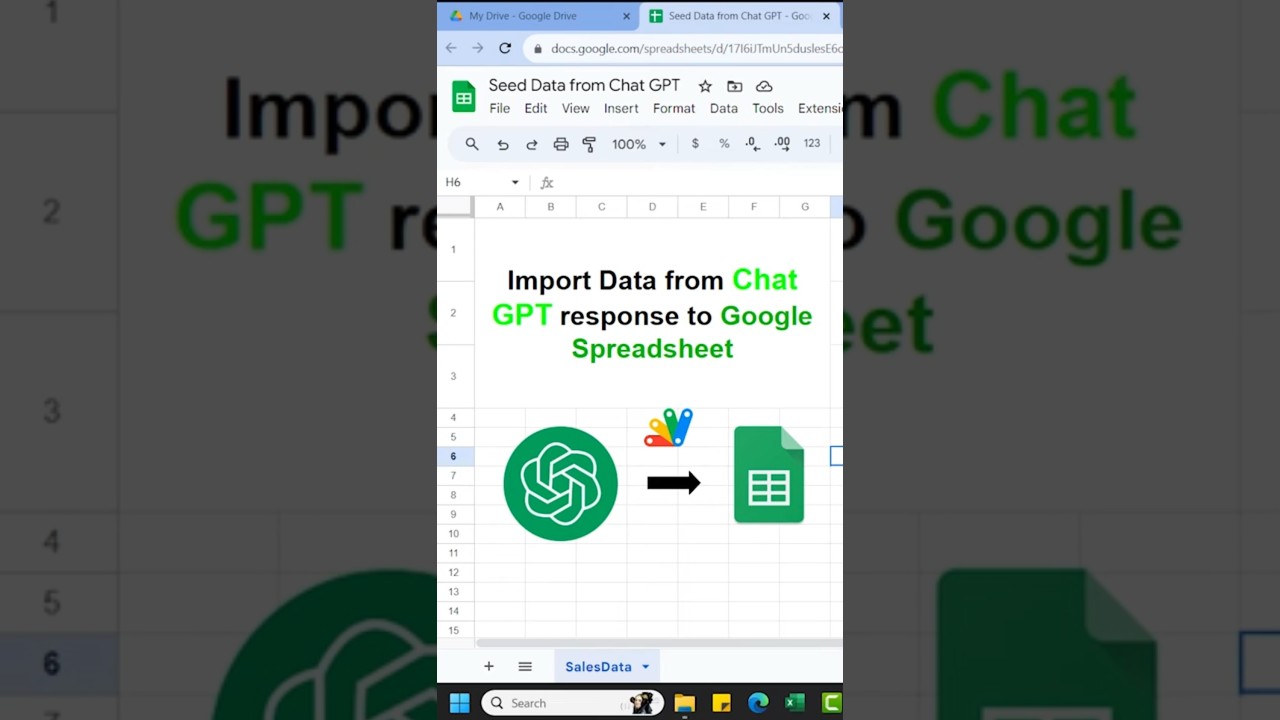
Overview
🎥 In this YouTube tutorial, we'll explore a clever way to generate fake data for Google Spreadsheets or Apps Script. If you've ever needed data for practice or analysis, Chat GPT has got your back! With just two lines of code, you can effortlessly import data from a Chat GPT response into your spreadsheet. 📊📈
First, we'll show you how to request the data you need from Chat GPT in a 2D array format. Then, we'll dive into the technical side of things. You'll learn how to access Google Apps Script and paste the provided code, allowing you to bring your data directly into your spreadsheet. 🖥️💡
By the end of this tutorial, you'll have a handy tool for quickly populating your Google Sheets with custom data. Don't forget to subscribe for more amazing tips and tricks! 🔔👍
Key Features
- Instant Copy: Copy the entire spreadsheet and script directly into your Google Drive in one click.
- Zero Cost: Completely free to use with any personal or workspace Google account.
- Customizable: Full access to modify sheet columns, layout, and Apps Script logic.
- Video Tutorial Included: Watch the step-by-step setup video right on this page.
How to Use
- Click Download Free Access above and enter your email address.
- Open the copy link delivered to your screen and inbox.
- Click Make a Copy in Google Drive.
- Follow the setup tutorial video above to configure any triggers or permissions.