Overview
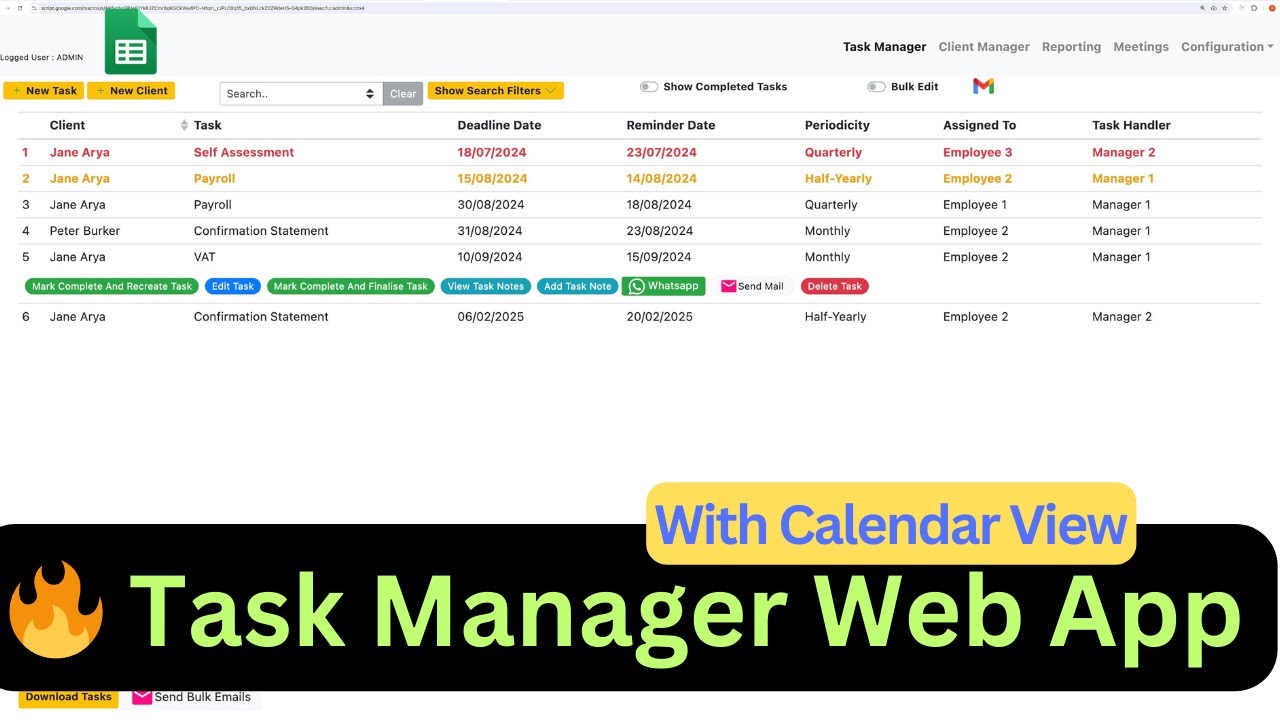
Welcome to our comprehensive tutorial on using a free web application to effectively manage your clients' tasks and projects. This application is based on Google Sheets and offers a range of customizable features that make client management a breeze. Whether you’re a freelancer, small business owner, or project manager, this tool will streamline your workflow, allowing you to focus on what really matters: delivering quality service to your clients.
In this video, we’ll walk you through the entire process, from setting up the application to managing tasks, clients, and meetings. We cover everything you need to know, including:
Setting Up the Application: Learn how to configure the web app to fit your specific needs, including how to customize dropdowns, manage users, and integrate Google Calendar.
Task Management: Discover how to create, filter, and manage tasks efficiently. We’ll show you how to add tasks from the Client Manager page, create tasks based on different criteria, and mark tasks as complete. You'll also learn how to use the "Recreate" feature for recurring tasks.
Key Features
- Instant Copy: Copy the entire spreadsheet and script directly into your Google Drive in one click.
- Zero Cost: Completely free to use with any personal or workspace Google account.
- Customizable: Full access to modify sheet columns, layout, and Apps Script logic.
- Video Tutorial Included: Watch the step-by-step setup video right on this page.
How to Use
- Click Download Free Access above and enter your email address.
- Open the copy link delivered to your screen and inbox.
- Click Make a Copy in Google Drive.
- Follow the setup tutorial video above to configure any triggers or permissions.