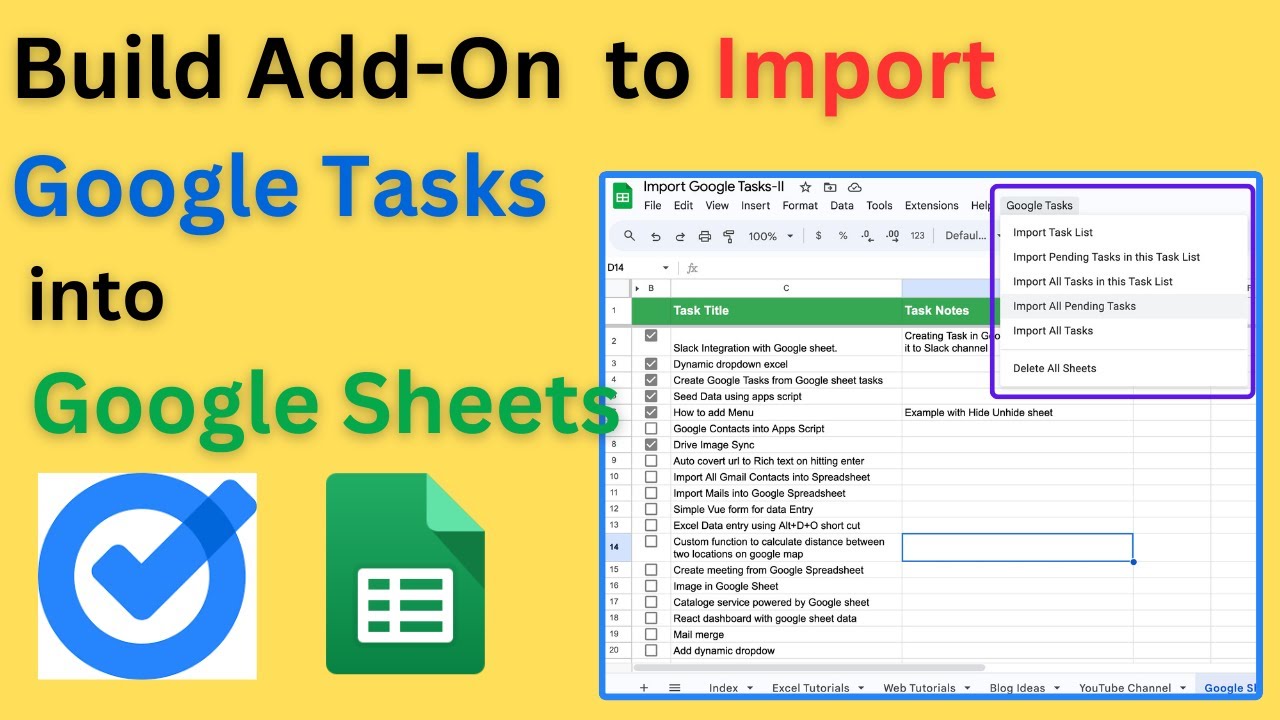
Overview
Join our Whatsapp Channel: https://whatsapp.com/channel/0029VanDeVpDTkK5Kxdh0u1N
In this tutorial, I’ll show you how to create a Google Sheets add-on that imports and organizes all your Google Tasks into a spreadsheet. You’ll learn how to fetch your tasks, organize them by task list, and even merge tasks from different lists into a single sheet. I’ll guide you step-by-step through the script, explaining key methods like onOpen, addSheet, and getTasks, so you can customize this tool to fit your needs. Whether you want to import pending tasks, completed tasks, or all tasks together, this add-on has you covered!
What You'll Learn:
How to make a copy of the Google Sheet and access the script editor
Key Features
- Instant Copy: Copy the entire spreadsheet and script directly into your Google Drive in one click.
- Zero Cost: Completely free to use with any personal or workspace Google account.
- Customizable: Full access to modify sheet columns, layout, and Apps Script logic.
- Video Tutorial Included: Watch the step-by-step setup video right on this page.
How to Use
- Click Download Free Access above and enter your email address.
- Open the copy link delivered to your screen and inbox.
- Click Make a Copy in Google Drive.
- Follow the setup tutorial video above to configure any triggers or permissions.