Overview
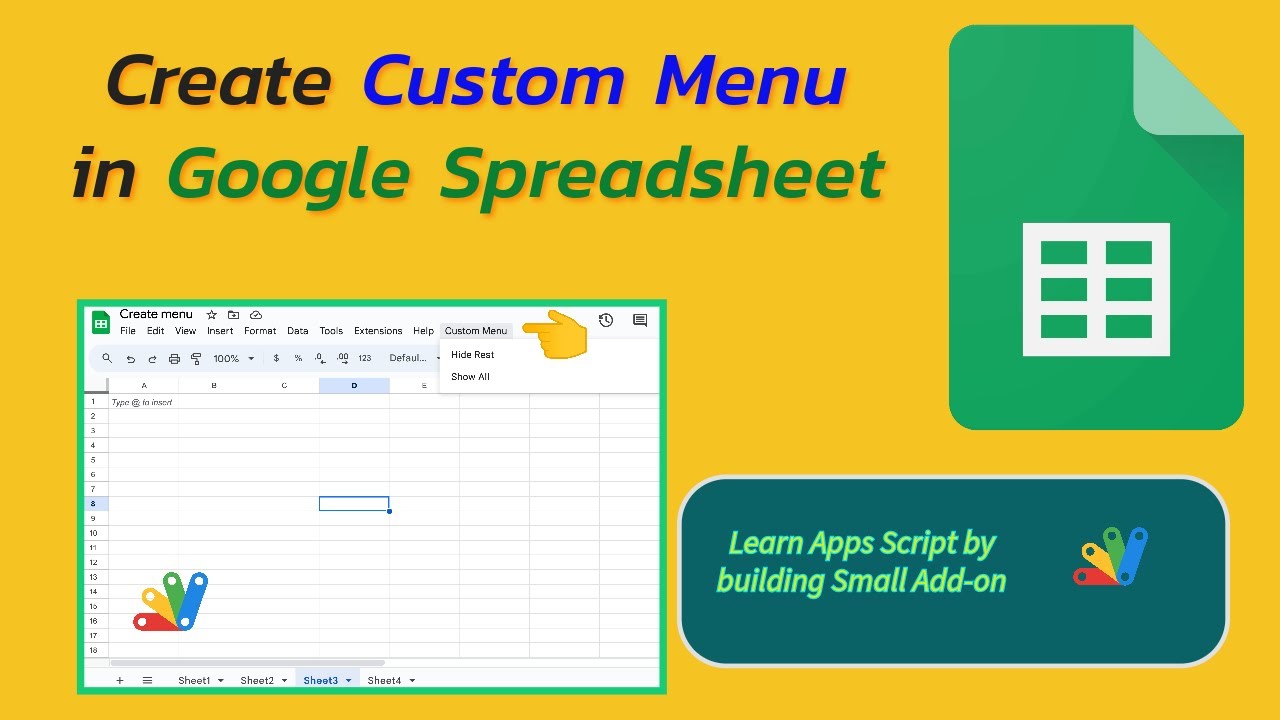
Learn how to to create custom menu in Google Spreadsheet using Apps Script. You will do this by building an 🛠️ add-on to hide and un-hide multiple sheets.
You can make copy of this Spreadsheet to experiment on your own.👍
🎬 Watch now and subscribe! #GoogleSheets #Automation
Key Features
- Instant Copy: Copy the entire spreadsheet and script directly into your Google Drive in one click.
- Zero Cost: Completely free to use with any personal or workspace Google account.
- Customizable: Full access to modify sheet columns, layout, and Apps Script logic.
- Video Tutorial Included: Watch the step-by-step setup video right on this page.
How to Use
- Click Download Free Access above and enter your email address.
- Open the copy link delivered to your screen and inbox.
- Click Make a Copy in Google Drive.
- Follow the setup tutorial video above to configure any triggers or permissions.