Overview
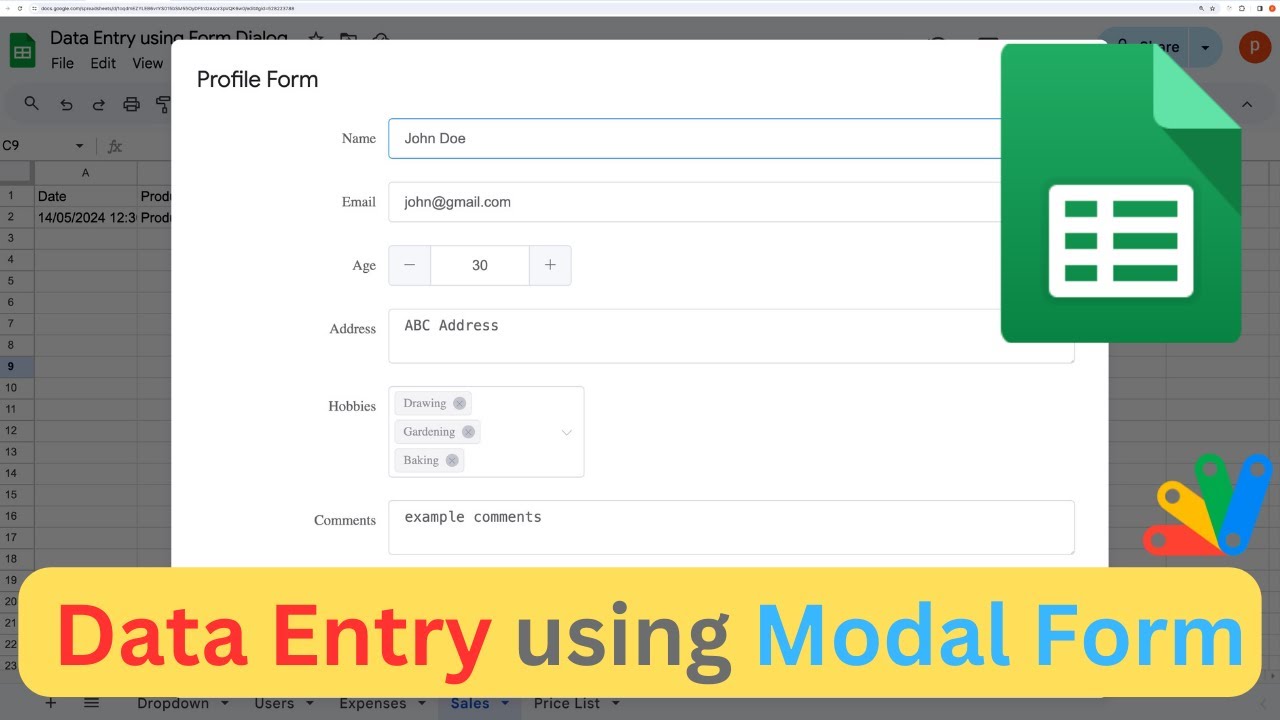
Welcome to our tutorial on streamlining data entry with Google Sheets forms! In this video, we'll guide you through the process of setting up custom forms that allow seamless data entry directly into your Google Sheets.
We'll start by demonstrating how to create custom forms for different purposes, such as recording profiles, expenses, and sales. You'll learn how to populate dropdown menus in your forms with data from your spreadsheet and ensure that new records are added accurately.
We'll also show you how to customize your forms to suit your specific needs, from adding mandatory fields to modifying form elements using Element UI. Plus, we'll provide you with helpful links to documentation and resources for further exploration.
By the end of this tutorial, you'll be equipped with the knowledge to effortlessly manage your data entry tasks using Google Sheets forms. Don't forget to grab the link to the provided spreadsheet in the description below and subscribe to our channel for more insightful tutorials!
Key Features
- Instant Copy: Copy the entire spreadsheet and script directly into your Google Drive in one click.
- Zero Cost: Completely free to use with any personal or workspace Google account.
- Customizable: Full access to modify sheet columns, layout, and Apps Script logic.
- Video Tutorial Included: Watch the step-by-step setup video right on this page.
How to Use
- Click Download Free Access above and enter your email address.
- Open the copy link delivered to your screen and inbox.
- Click Make a Copy in Google Drive.
- Follow the setup tutorial video above to configure any triggers or permissions.