Overview
Join our Whatsapp Channel: https://whatsapp.com/channel/0029VanDeVpDTkK5Kxdh0u1N
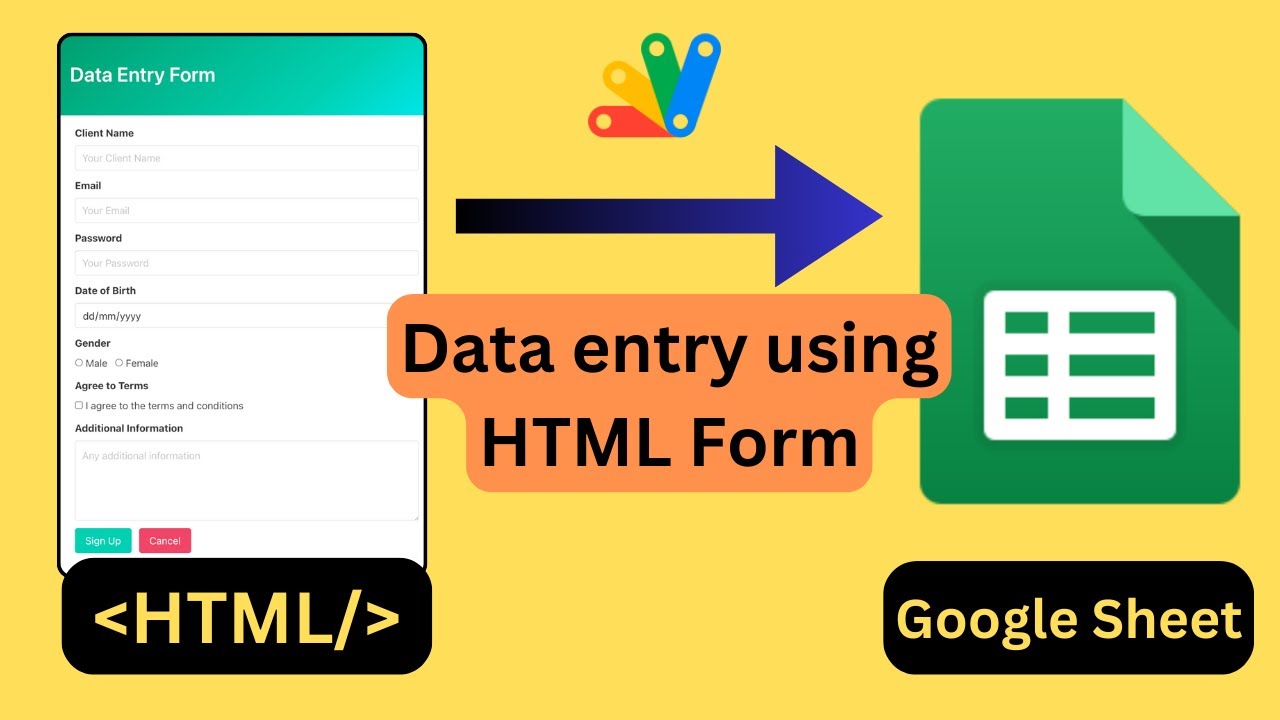
🎬 Hey everyone! 🌐 In today's YouTube tutorial, we're diving into the exciting world of data entry into Google Sheets using HTML forms! 📊✨
🤔 Wondering how to set it up? 🛠️ Before we dive into the nitty-gritty, let me give you a quick overview of what you'll need and why. First things first, grab your trusty Google spreadsheet where all the magic will happen. Attach some script magic, deploy it, and voila! You'll get a URL ready to handle POST requests.
💻 These POST requests will carry data from your HTML form straight into your Google Sheet, making the whole process seamless. And yes, you'll need an HTML form too! 📝 Don't worry, even if HTML isn't your best friend, I've got you covered with a link in the description for easy customization.
Key Features
- Instant Copy: Copy the entire spreadsheet and script directly into your Google Drive in one click.
- Zero Cost: Completely free to use with any personal or workspace Google account.
- Customizable: Full access to modify sheet columns, layout, and Apps Script logic.
- Video Tutorial Included: Watch the step-by-step setup video right on this page.
How to Use
- Click Download Free Access above and enter your email address.
- Open the copy link delivered to your screen and inbox.
- Click Make a Copy in Google Drive.
- Follow the setup tutorial video above to configure any triggers or permissions.