Overview
📊 Google Sheets Sidebar Overview #dataentry #googlesheets #macros#appsscript
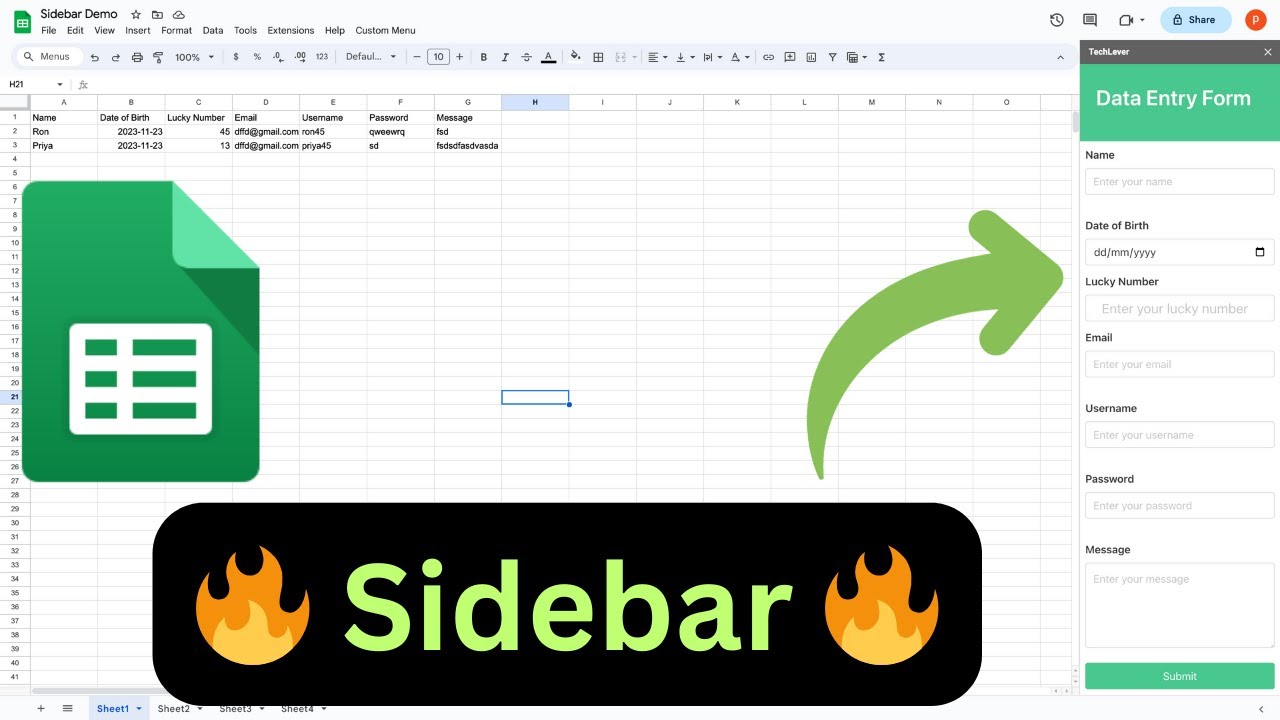
Introducing the Google Sheets Sidebar! 🚀 This nifty feature is like having a sidekick for your spreadsheets. 🦸♂️ Imagine a sleek panel that slides in from the right, loaded with superpowers to enhance your Google Sheets experience. 🛠️
What's Inside?
The Sidebar lets you infuse UI elements, making tasks from assigning macros to performing integrations with other apps a breeze. Connect to Google Apps like Chat, Drive, Gmail, Calendar, Tasks, and even delve into third-party API integrations. 🔄📱🗓️
Key Features
- Instant Copy: Copy the entire spreadsheet and script directly into your Google Drive in one click.
- Zero Cost: Completely free to use with any personal or workspace Google account.
- Customizable: Full access to modify sheet columns, layout, and Apps Script logic.
- Video Tutorial Included: Watch the step-by-step setup video right on this page.
How to Use
- Click Download Free Access above and enter your email address.
- Open the copy link delivered to your screen and inbox.
- Click Make a Copy in Google Drive.
- Follow the setup tutorial video above to configure any triggers or permissions.