Overview
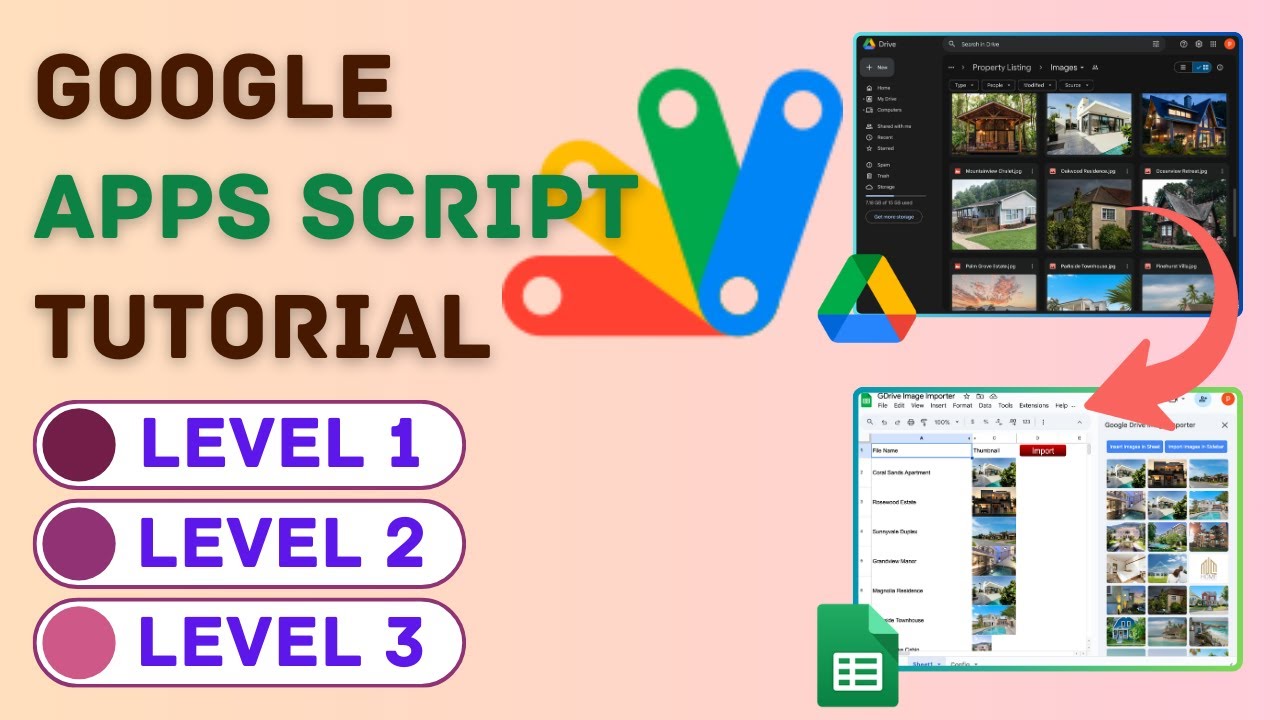
Welcome to Apps Script Bytes by TechLever! In this step-by-step tutorial, learn how to create a powerful Google Drive Image Importer using Google Apps Script. We'll build a custom menu, a sleek sidebar with image import buttons, and a web app to display your images as a shareable property gallery. Plus, add production-ready features like error handling and user-friendly alerts!
DEMO Link: https://script.google.com/macros/s/AKfycbzFGYY-2xCMwFEamOAlmOjZ6tlbeY99Jcm8s2chRAmmDbraCSmMXOU_cCmMp1IPIg1VfA/exec
Blog Tutorial: https://techlever.in/tutorials/drive-image-importer/level1
Key Features
- Instant Copy: Copy the entire spreadsheet and script directly into your Google Drive in one click.
- Zero Cost: Completely free to use with any personal or workspace Google account.
- Customizable: Full access to modify sheet columns, layout, and Apps Script logic.
- Video Tutorial Included: Watch the step-by-step setup video right on this page.
How to Use
- Click Download Free Access above and enter your email address.
- Open the copy link delivered to your screen and inbox.
- Click Make a Copy in Google Drive.
- Follow the setup tutorial video above to configure any triggers or permissions.