Overview
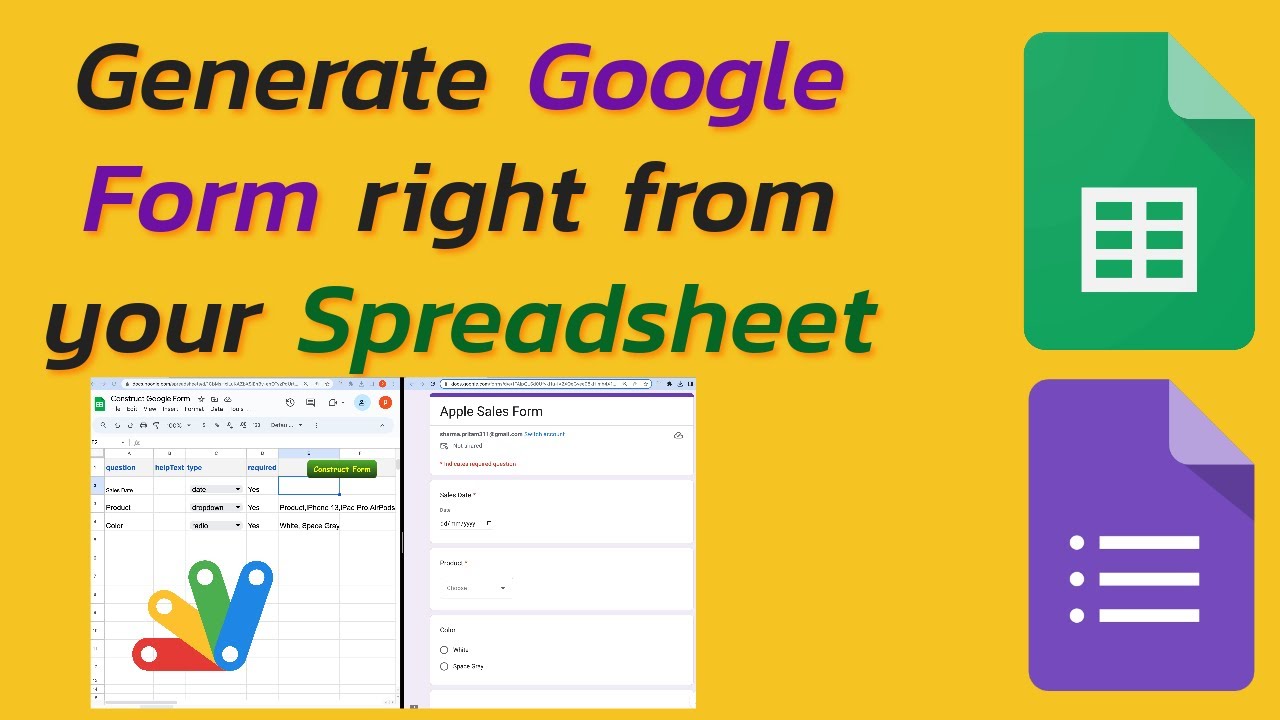
📽️ In this video, I'll show you how to create a Google Form directly from your Spreadsheet.
First, we'll prepare our form data in the Spreadsheet, serving as the data for the Google Form. 📊✏️
Next, we'll add some code using Apps Script to enhance our form-building process. 💻✨
We'll also add a button to the sheet, which we'll use to generate our form. 🛠️🔘
Key Features
- Instant Copy: Copy the entire spreadsheet and script directly into your Google Drive in one click.
- Zero Cost: Completely free to use with any personal or workspace Google account.
- Customizable: Full access to modify sheet columns, layout, and Apps Script logic.
- Video Tutorial Included: Watch the step-by-step setup video right on this page.
How to Use
- Click Download Free Access above and enter your email address.
- Open the copy link delivered to your screen and inbox.
- Click Make a Copy in Google Drive.
- Follow the setup tutorial video above to configure any triggers or permissions.