Overview
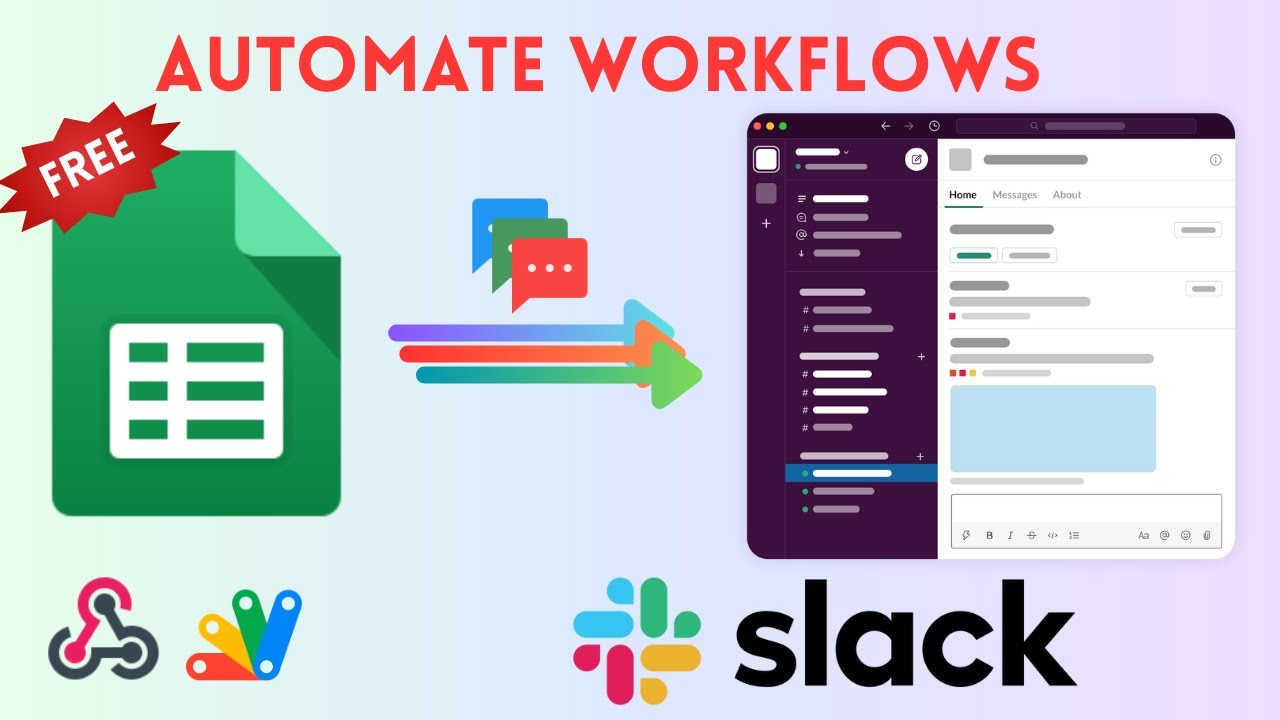
Learn how to create a free Slack and Google Sheets integration using Google Apps Script and webhooks—no paid tools like Zapier, Pabbly needed! In this step-by-step tutorial, I’ll show you how to set up a Slack workspace, create webhooks for channels like leads and reports, and connect them to a Google Sheet for automated updates. Perfect for tracking sales leads, customer support tickets, or project tasks in 2025!
Slack Sign-Up: https://slack.com
Slack API for Webhooks: https://api.slack.com/apps
👍 Like, comment, and share if you found this helpful! Let me know in the comments what other integrations you’d like to see!
Key Features
- Instant Copy: Copy the entire spreadsheet and script directly into your Google Drive in one click.
- Zero Cost: Completely free to use with any personal or workspace Google account.
- Customizable: Full access to modify sheet columns, layout, and Apps Script logic.
- Video Tutorial Included: Watch the step-by-step setup video right on this page.
How to Use
- Click Download Free Access above and enter your email address.
- Open the copy link delivered to your screen and inbox.
- Click Make a Copy in Google Drive.
- Follow the setup tutorial video above to configure any triggers or permissions.