Overview
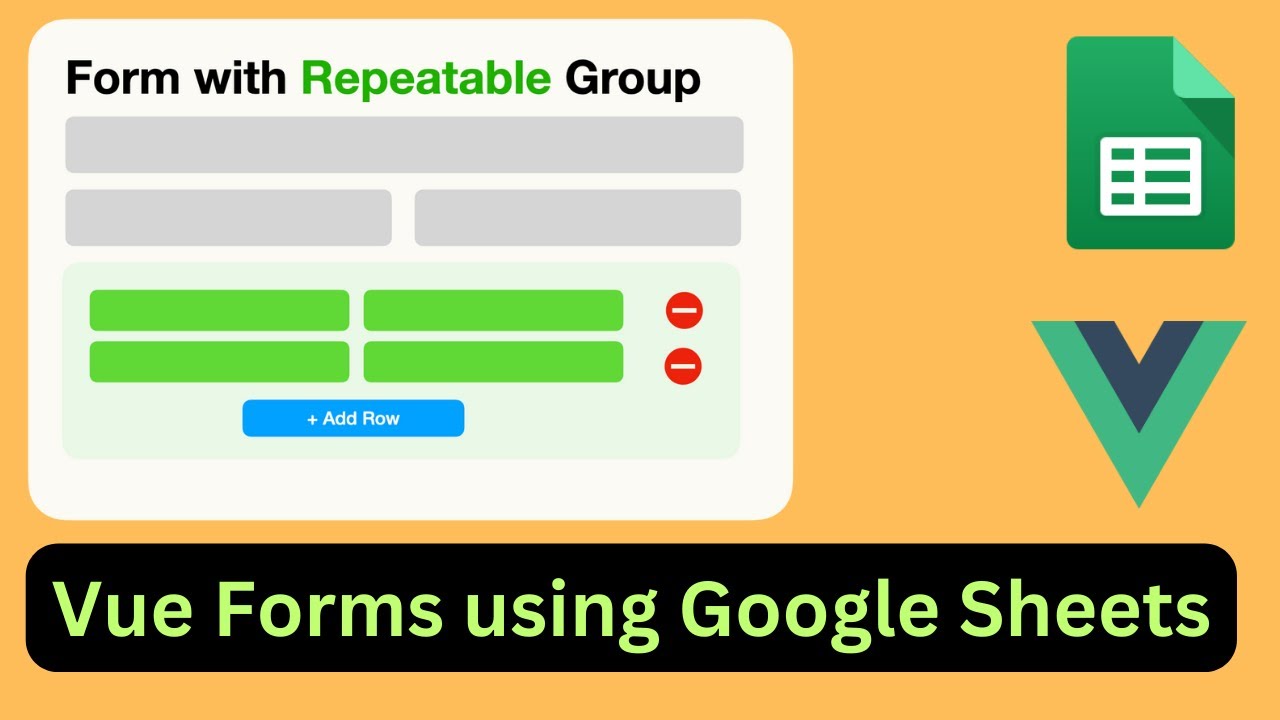
In today's video, I'll walk you through creating forms with repeatable form groups—think nested forms for more complex data structures. This is super handy for things like event management or, as I'll demonstrate, creating invoices with multiple items.
We'll use an Expense Entry form as an example, showcasing the repeatable feature. The form covers expense date, type, repeatable expense items with category and amount, payment methods, and notes. Dynamic computation of the sum total, conditional display of form elements, and even full form validation support are also part of the package.
But wait, there's more! In the second part of this tutorial, we'll make the table view look sleek and add action buttons for viewing, editing, and deleting entries.
Ready to dive in? I'll guide you step by step, starting from scratch. We'll deploy the script, add frameworks like Vue.js, Vue Formulate, and Buefy for a smoother development experience. You'll see the magic happen as we test deployments and tweak the HTML to incorporate these tools.
Key Features
- Instant Copy: Copy the entire spreadsheet and script directly into your Google Drive in one click.
- Zero Cost: Completely free to use with any personal or workspace Google account.
- Customizable: Full access to modify sheet columns, layout, and Apps Script logic.
- Video Tutorial Included: Watch the step-by-step setup video right on this page.
How to Use
- Click Download Free Access above and enter your email address.
- Open the copy link delivered to your screen and inbox.
- Click Make a Copy in Google Drive.
- Follow the setup tutorial video above to configure any triggers or permissions.