Overview
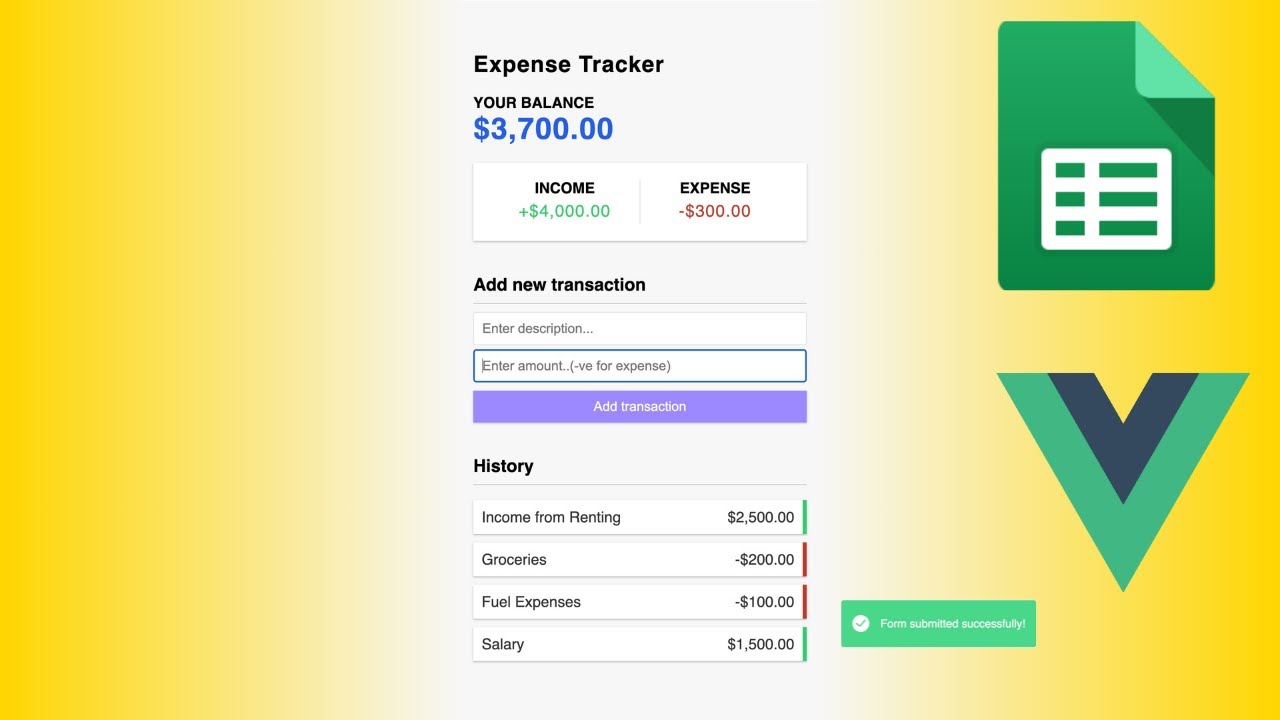
🎥 Welcome to our latest tutorial on building an expense tracker application using Vue.js and the powerful Composition API! In this video, we'll walk you through the process of creating an efficient expense tracker that syncs seamlessly with Google Sheets using Google Apps Script. 💼💻
🔍 Dive deep into Vue 3 and the Composition API as we dissect this project, exploring concepts such as reactivity and data management. Want to learn more? Check out Brad's Vue tutorial for an in-depth understanding of these technologies! 📚💡
https://www.youtube.com/watch?v=hNPwdOZ3qFU&t=547s
🛠️ Setting up the expense tracker for your own use is a breeze! Simply follow our step-by-step guide to deploy the application and start managing your finances effortlessly. 📊💰
Key Features
- Instant Copy: Copy the entire spreadsheet and script directly into your Google Drive in one click.
- Zero Cost: Completely free to use with any personal or workspace Google account.
- Customizable: Full access to modify sheet columns, layout, and Apps Script logic.
- Video Tutorial Included: Watch the step-by-step setup video right on this page.
How to Use
- Click Download Free Access above and enter your email address.
- Open the copy link delivered to your screen and inbox.
- Click Make a Copy in Google Drive.
- Follow the setup tutorial video above to configure any triggers or permissions.