Overview
Commercial standup bots like Geekbot or Standuply charge $2.50 to $4.00 per user every month. For a team of 15 engineers, that adds up to over $700 every year just to collect and post basic status updates in Slack.
The AI Standup Assistant for Slack replaces expensive SaaS bots with a 100% private, self-hosted solution that runs entirely inside your Google Workspace and Slack workspace. Every morning, it automatically prompts your team in Slack, records their updates into Google Sheets, and uses Google Gemini AI to synthesize cross-functional momentum, identify critical blockers, and post an executive-level summary directly into your team channel.
Key Capabilities
✨ COMPLETE SLACK STANDUP SUITE:
- ⚡ 60-Second Interactive Slack Modal (
/standup): Frictionless submission modal capturing yesterday's accomplishments, today's priorities, and blockers. - 📋 On-Demand Check-in Card (
/standup checkin): Trigger team-wide or personal check-in cards with direct action buttons. - 🏝️ 1-Click Out-Of-Office Status (
/standup ooo): Mark yourself out today in a single tap without filling out unnecessary standup forms. - 🤝 Interactive Blocker Rescue: Team members can click "🤝 Offer Help" directly on blocker cards to automatically connect with colleagues facing impediments.
- 💬 Thread-Based Conversational Q&A: Ask questions directly in the standup thread (e.g.
@Standup AI who worked on database migrations?) and receive instant answers powered by Gemini Flash. - 📊 Friday Executive Retrospective (
/standup weekly): High-level weekly momentum synthesis summarizing achievements, recurring blockers, and key team takeaways. - 📈 Standup Reviews Canvas & Analytics Dashboard: Built-in Google Sheets interface and metrics sheet showing submission rates, active blockers, and participation trends.
- ⚙️ Sheet Admin Settings Dialog: Configure Slack Bot tokens, Signing Secret, Gemini API key, and target Channel ID directly from Google Sheets without touching code.
What You Will Receive
- Master Google Spreadsheet Template: Pre-formatted relational database with automated schema initialization.
- Google Apps Script Backend: Complete unminified V8 source code with zero external dependencies.
- Slack App Manifest JSON: 1-Click configuration file to create your Slack app with all required scopes and slash commands in seconds.
- Full Video Tutorial: Detailed 7-step walkthrough covering deployment, permissions, and live Slack testing.
- Lifetime Access & Free Updates: All updates to the template and source code are included free forever.
Quick 7-Step Deployment Guide
- Make a Copy: Open the Google Sheet copy link and click Make a copy.
- Deploy Web App: Open Extensions → Apps Script → Deploy → New Deployment (Select Web app, Execute as Me, Access Anyone). Copy the
/execURL. - Get Slack Channel ID: In Slack, right-click your standup channel (e.g.
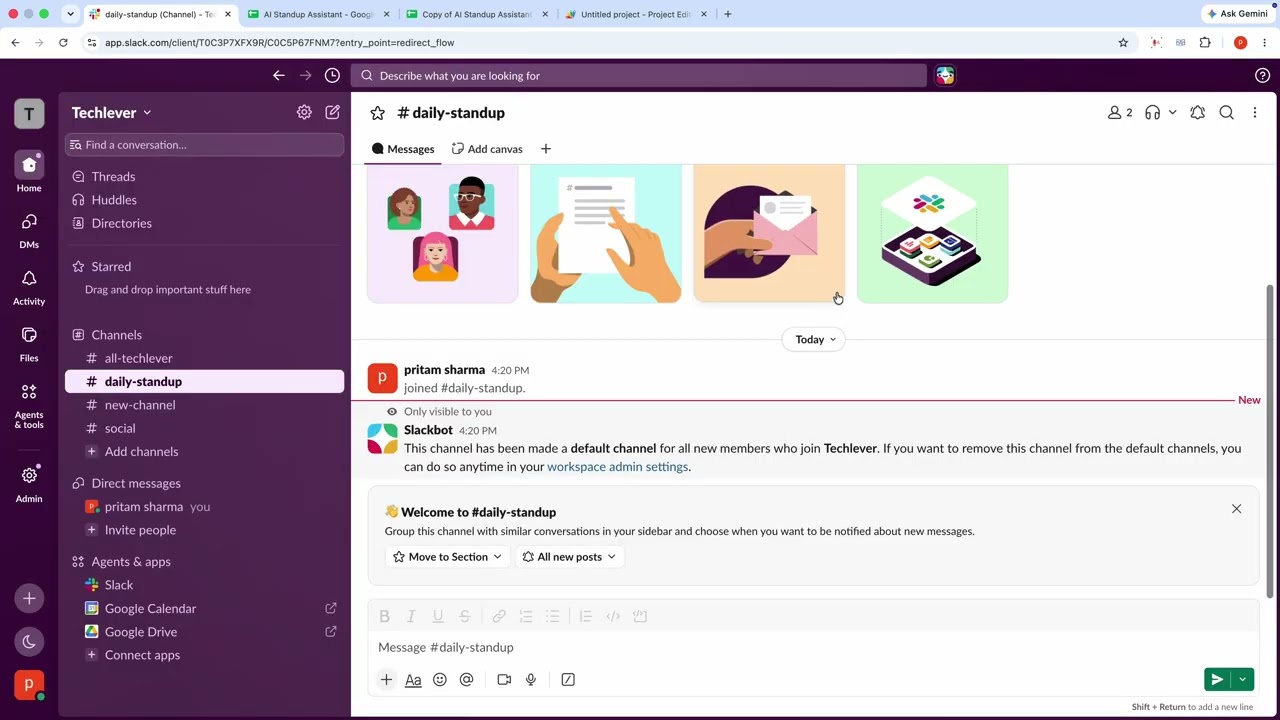
#daily-standup) → Copy link → copy the Channel ID ending inC.... - Create Slack App: Open api.slack.com/apps → Create App → From an app manifest → Paste the provided
slack_app_manifest.jsonwith your Apps Script/execURL. - Install to Workspace: Click Install to Workspace → Allow. Copy your Bot User Token (
xoxb-...) and Signing Secret. - Configure in Google Sheets: Open 🤖 Standup Assistant → ⚙️ Configure Bot & API Keys, paste your credentials, click Test Connection, and click 🚀 Run Initial Setup.
- Invite Bot & Test: In Slack, type
/invite @Standup AIin your channel, and run/standupto test!
Contact & Support
💬 WhatsApp Support: +919624701102